

Workplace Safety & Compliance
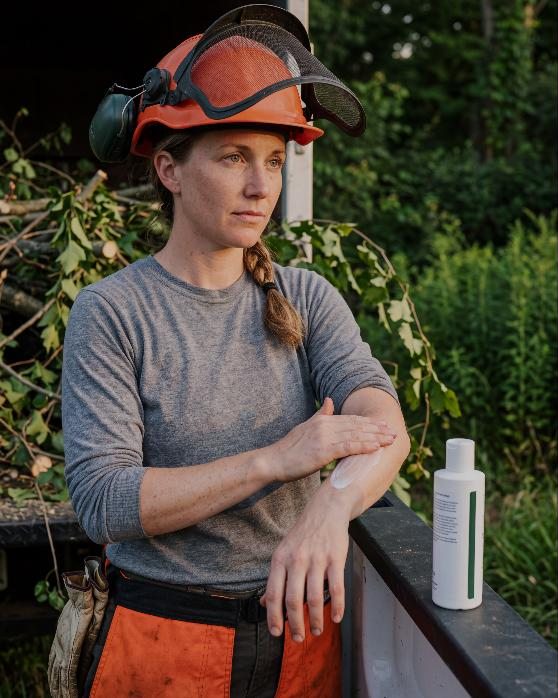
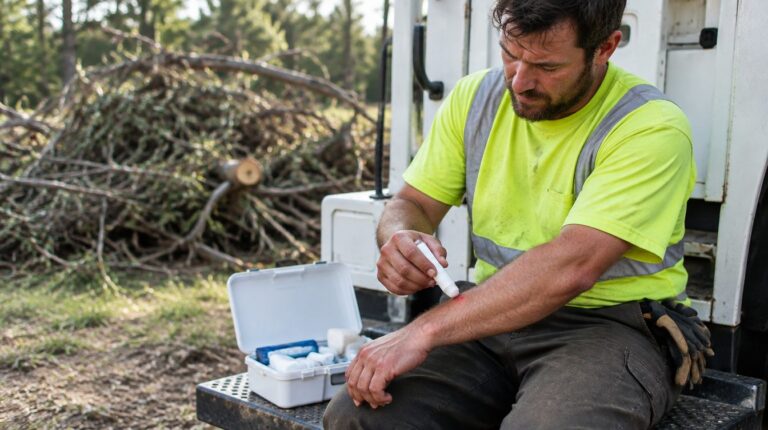
What Goes in the Truck Kit: Bites, Stings and Rash on a Tree Crew
Stings, ticks, mosquitoes and poison ivy rash are part of tree work. What to keep in the truck kit and how to handle each…
Read article → Shop the full professional line →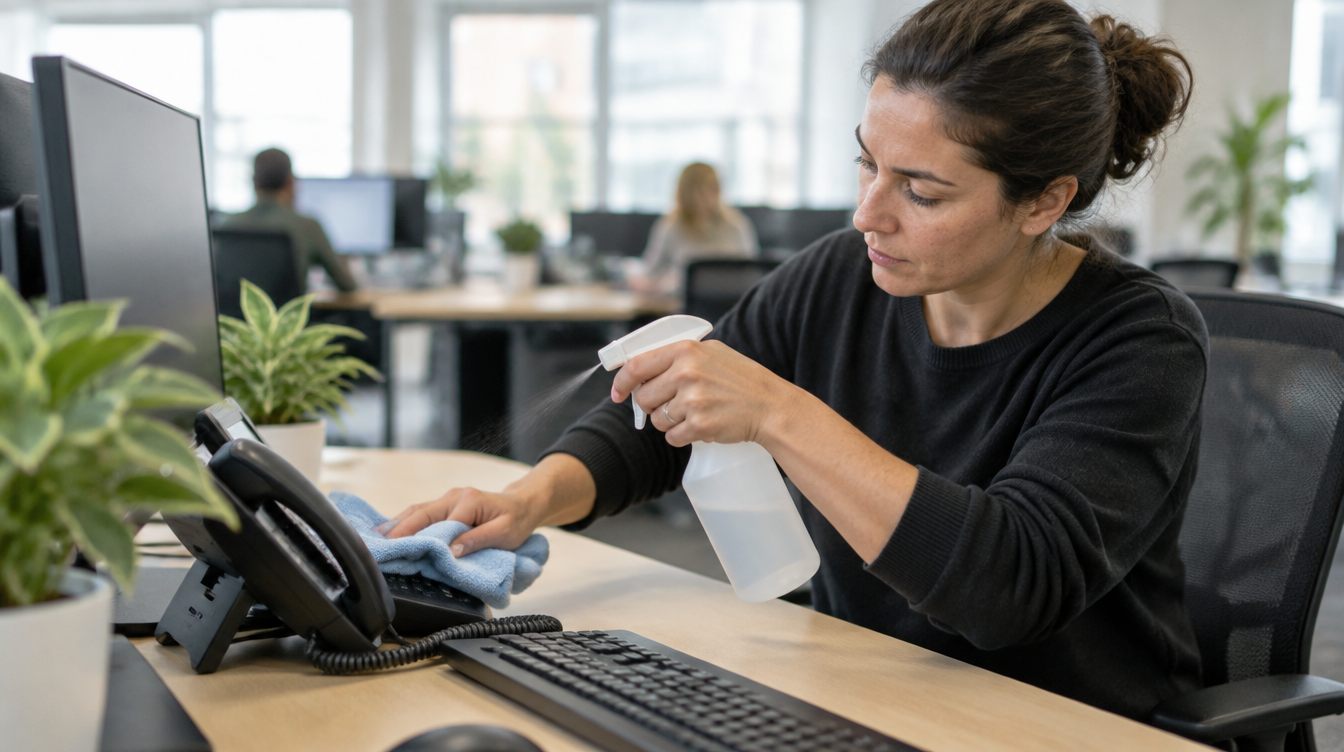
Hot desks. Shared conference rooms. A keyboard at reception that six people use in a day. A phone handset nobody has wiped since it was installed. In most offices, a handful of surfaces pass through everyone’s hands, every day.
You don’t need a hazmat crew to keep them clean. You need a short routine people actually follow and the right product for the job. Here’s one for office managers and facility teams, based on CDC’s guidance for cleaning facilities, including how to clean office keyboard and phone surfaces without damaging them.
CDC separates two jobs:
So the daily routine is a cleaning routine. Keep a registered disinfectant on hand for the days you need it.
CDC says to clean high-touch surfaces regularly and clean other surfaces when they look dirty. In an office, the high-touch list usually includes:
For everyday wipe-downs, I.C. Workstation Cleaner is a mild, low-ionic, general-purpose hard surface cleaner. It removes dust, fingerprints, grease and grime from desks, keyboards, glass and other non-porous surfaces. It’s alcohol-free, ammonia-free, odorless and non-flammable, and it wipes streak-free, so screens and glass don’t end up smeared. It’s a cleaner, not a registered disinfectant.
Use it with the I.C. Antibacterial Microfiber Cloth. Microfiber picks up dust and fingerprints without scratching screens. The cloth is treated with AEGIS antimicrobial technology, which resists the growth of bacteria, mold and mildew on the cloth itself, so it doesn’t get sour between washes. The treatment protects the cloth. It doesn’t disinfect what you wipe.
If someone is sick at their desk, vomits in the restroom or your building’s plan calls for it during an outbreak, add the disinfect step:
Never mix bleach with ammonia or other cleaners. It can make dangerous fumes.
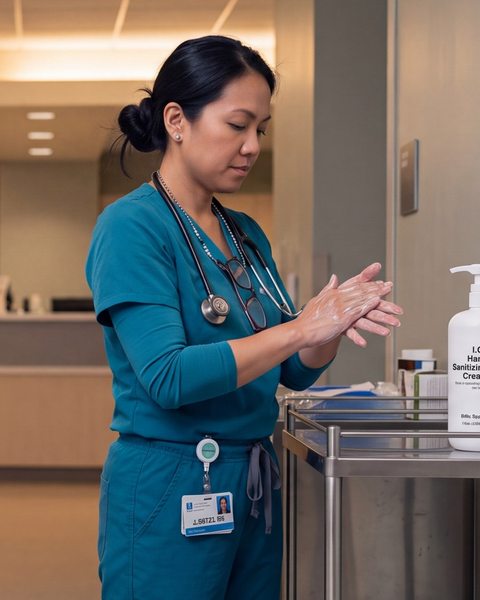
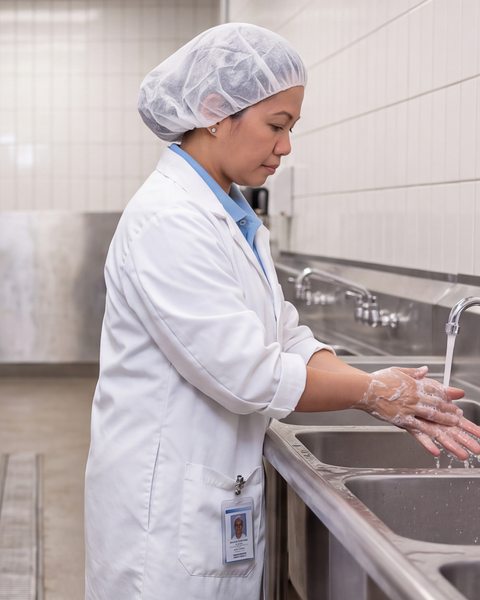
A clean keyboard helps, but hands carry germs from surface to surface. Put sanitizer at desk clusters and by shared equipment, and keep soap stocked at every sink. CDC says washing with soap and water is best in most situations, with sanitizer as the backup. Wash before eating and after the restroom.
For more on hand hygiene around the office, see our office page and the five-chapter office Field Notes.
The best routine is the one people actually do. A few things help:
No. It’s a general-purpose hard surface cleaner. For disinfecting, use an EPA-registered disinfectant after cleaning and follow its label.
No. Spray the cloth and wipe. Liquid can run into electronics. Follow the device maker’s cleaning instructions.
No. The AEGIS treatment resists the growth of bacteria, mold and mildew on the cloth itself. It doesn’t disinfect the surfaces you wipe.
Keep reading
Stings, ticks, mosquitoes and poison ivy rash are part of tree work. What to keep in the truck kit and how to handle each…
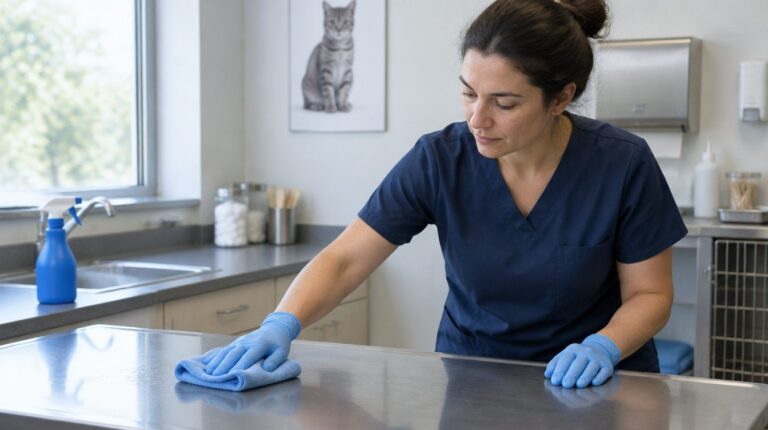
Read article →Cleaning and disinfecting are two jobs. A between-patient exam table routine for vet clinics, and where a general cleaner does and doesn't fit.
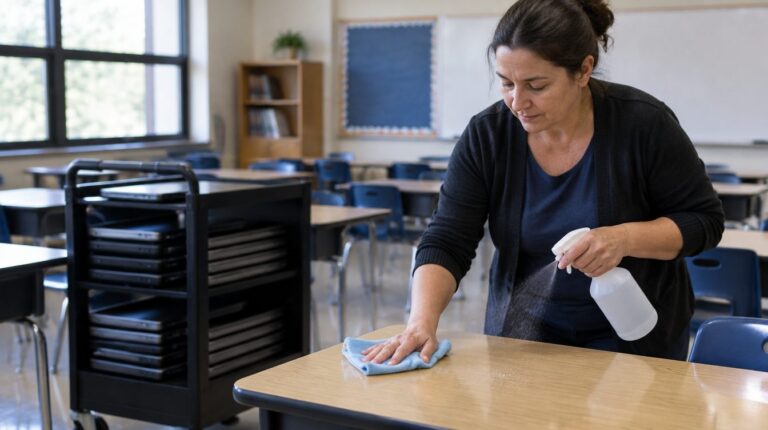
Read article →Cleaning and disinfecting are two jobs. A quick daily classroom cleaning routine for desks and shared devices, and when to disinfect.
Read article →
Skin care that cares about the worker and about the work
Free samples for crews, safety managers and buyers. Buy direct, through your distributor or on GSA.

Welcome to the crew
Join our email list for your code, plus safety guides, new products and seasonal reminders. A few emails a month.
First order of $40 or more, one per customer. A few small sizes are excluded. Can't be combined with other codes. By signing up you agree to get marketing emails from R&R Lotion. Unsubscribe any time. Privacy Policy
You're on the list
Use it at checkout on your first order of $40 or more. We also sent a confirmation link to your inbox. Click it and we'll email the code so you have it for later.
Start shopping